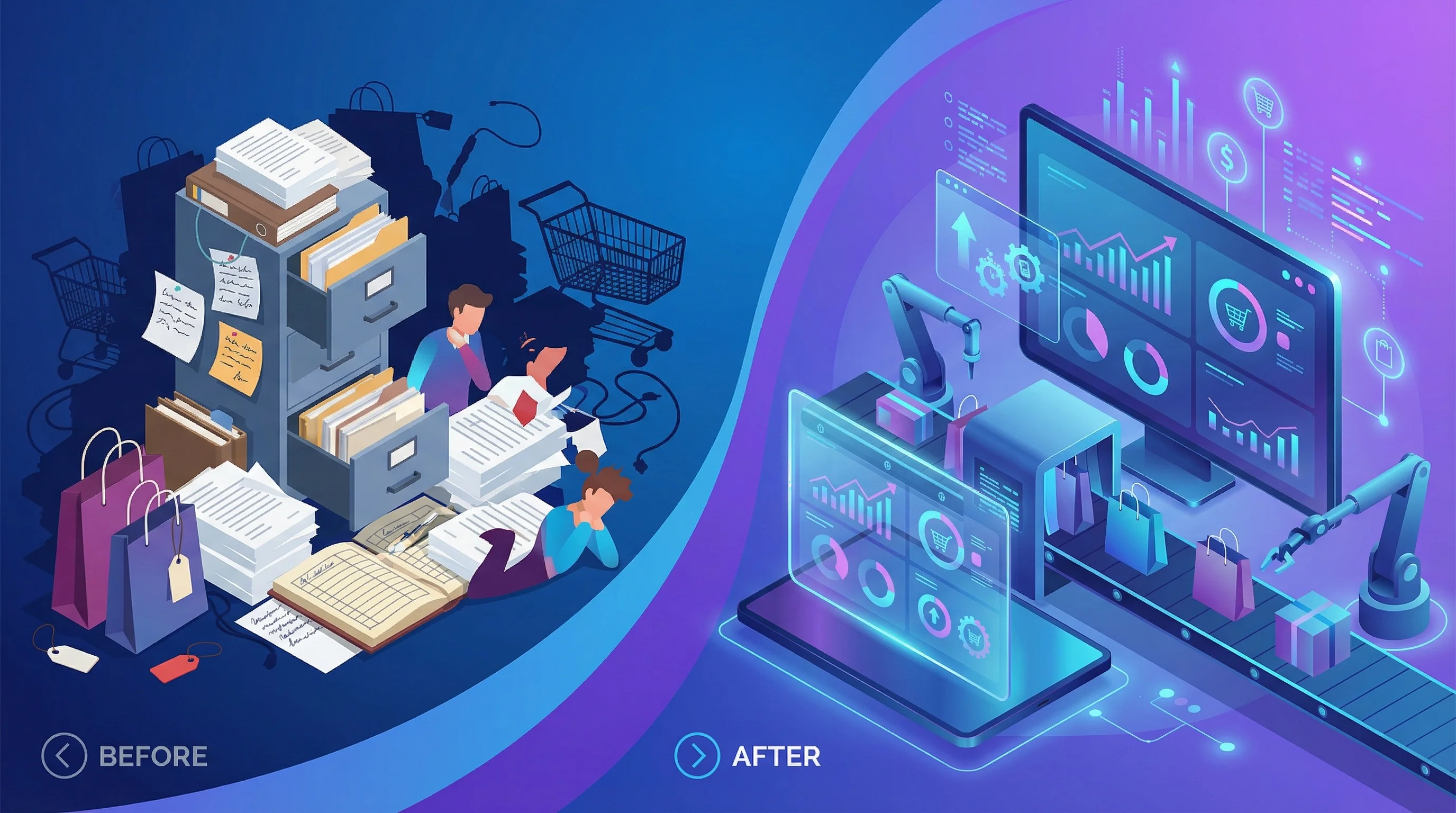
Note: This is an illustrative example based on typical client outcomes. Specific figures represent composite data from multiple engagements, not a single client.
The founder called it “the paper chase.”
Every week, her team spent 25+ hours on admin that added zero value to customers. Inventory updates. Order confirmations. Invoice processing. Stock alerts. Customer emails.
None of it was complicated. All of it was necessary. And all of it was drowning the business.
Six months later, that 25 hours became 5. The same team now handles 40% more orders without hiring anyone new. The founder actually takes weekends off.
Here’s exactly what we did.
The Starting Point
This was a mid-sized UK retailer — physical store plus e-commerce, around £2m annual revenue, team of 8.
The pain points were textbook:
Inventory management was manual. Staff counted stock, updated spreadsheets, and hoped the numbers matched the website. They often didn’t. Overselling happened monthly.
Order processing ate hours. New order comes in → someone checks stock → creates picking list → prints label → updates spreadsheet → sends confirmation email → updates customer if any issues. Per order: 8–12 minutes.
Invoice handling was chaos. Supplier invoices arrived by email, post, and sometimes WhatsApp. Someone opened each one, typed data into Xero, filed the PDF, chased approvals. Duplicate payments happened. Payment terms got missed.
Customer communications were reactive. “Where’s my order?” emails answered manually, one at a time. Same questions, same answers, every day.
The team was busy all day. But they weren’t doing work that grew the business.
The Audit
We spent two days mapping every process. Not high-level strategy — actual step-by-step documentation of who did what, how long it took, and what broke.
The findings:
| Process | Weekly Time | Error Rate | Automation Potential |
|---|---|---|---|
| Order processing | 8 hours | 5% | High |
| Inventory updates | 6 hours | 12% | High |
| Invoice processing | 5 hours | 8% | High |
| Customer emails | 4 hours | 2% | Medium |
| Stock alerts | 2 hours | 15% | High |
Total: 25 hours. Five of those hours were spent fixing errors from the other 20.
The 12% error rate on inventory was the killer. Every oversell cost time (customer apologies, refund processing) and money (expedited shipping from suppliers, lost customers).
What We Built
Automation 1: Real-Time Inventory Sync
Before: Manual stock counts, spreadsheet updates, website updates. Lag time: hours to days.
After: POS system → Make workflow → Shopify inventory updated in real-time. Stock movements trigger automatically. Website always accurate.
Tools: Square POS + Make + Shopify API
Time saved: 6 hours/week
Error reduction: 12% → 1%
Automation 2: Order Processing Pipeline
Before: Manual checking, picking lists, label printing, confirmation emails — 8–12 minutes per order.
After:
- Order received → stock verified automatically
- Picking list generated and sent to warehouse iPad
- Label created via ShipStation
- Confirmation email sent with tracking
- CRM updated with order status
Human involvement: check the picking list, pack the box.
Tools: Shopify + Make + ShipStation + Klaviyo + Airtable
Time saved: 6 hours/week (70% reduction per order)
Error reduction: 5% → 0.5%
Automation 3: Invoice Processing
Before: Open email, download PDF, read invoice, type into Xero, file PDF, chase approval. 10–15 minutes each.
After:
- Invoice email arrives
- AI extracts supplier, amount, due date, line items
- Data pushed to Xero as draft
- Approval request sent via Slack to appropriate manager
- Approved → posted automatically
- Rejected → flagged for review
- All PDFs auto-filed in Google Drive
Human involvement: approve or reject in Slack. Review edge cases.
Tools: Parseur + Make + Xero + Slack + Google Drive
Time saved: 4 hours/week
Error reduction: 8% → 0.5%
Automation 4: Customer Communication Bot
Before: Every “where’s my order?” email answered manually. Same response, different customer, all day long.
After:
- Customer emails about order status
- AI identifies query type
- Order status pulled from system
- Personalised response sent automatically
- Complex issues routed to human
Tools: Intercom + Shopify integration + custom rules
Time saved: 3 hours/week
Customer response time: 4 hours → 2 minutes
Automation 5: Stock Alerts and Reordering
Before: Someone checked stock levels weekly. Sometimes they forgot. Stockouts happened.
After:
- Daily stock check against reorder points
- Low stock alerts sent to purchasing team
- Critical items (top 20% revenue) trigger automatic reorder to supplier
- Supplier confirmation tracked
Tools: Airtable + Make + email integration
Time saved: 2 hours/week
Stockout incidents: 4–5/month → 1/month
The Results
Before automation:
- 25 hours/week on admin
- 8–12% error rates
- Team stressed and reactive
- Orders capped by processing capacity
After automation:
- 5 hours/week on admin (80% reduction)
- 0.5–1% error rates
- Team focused on customers and growth
- 40% more orders handled, same team
Timeline: 8 weeks from kickoff to full deployment
Investment: ~£25,000 (including discovery, build, testing, training)
Payback: Under 6 months
The 20 hours saved per week, at roughly £15/hour average, represents £15,600 annual cost saving. Add the revenue from 40% more order capacity, and the ROI was closer to 400%.
What They’d Do Differently
I asked the founder after six months: what would you change?
1. Started earlier. “We thought automation was for bigger businesses. We wasted two years doing this manually.”
2. Invested in training upfront. The team was nervous about the new systems. More time on training would have accelerated adoption.
3. Done the inventory sync first. That single automation eliminated most of the customer complaints. Should have been day one.
4. Built in monitoring from the start. We added alerting later. Should have been there from the beginning. When things break, you need to know immediately.
What Made This Work
Looking back, a few things mattered:
The process audit was essential. We didn’t automate what the team thought was slow — we automated what actually consumed time. Those are different things.
We started with the highest-impact automation. Inventory sync delivered visible results in week one. That built confidence for everything else.
The team was involved throughout. They flagged edge cases. They tested workflows. They owned the result. Automations imposed from above fail.
We planned for exceptions. No automation handles 100% of cases. We built clear escalation paths for anything unusual.
Monitoring was non-negotiable. Every automation has failure alerts. When Shopify’s API hiccups, someone knows within 5 minutes.
Is This Right for Your Business?
This approach works when:
- You have repetitive, rule-based processes consuming significant time
- Your team is busy but not productive — lots of activity, limited growth
- You’re losing money to errors — duplicate payments, overselling, missed deadlines
- Your systems can integrate — modern tools with APIs, not legacy software
It doesn’t work when:
- Your processes are different every time — high variation kills automation ROI
- You’re not willing to document and standardise — garbage in, garbage out
- Your core systems are ancient — mainframes and paper-based processes need bigger fixes first
- You expect immediate perfection — automation requires iteration
Next Steps
If this sounds like your business:
Audit your time. Track what your team actually does for one week. You’ll find the 80/20 opportunities.
Pick one process. Don’t try to automate everything. Start with the biggest time sink that has clear, consistent steps.
Talk to someone who’s done it. Whether that’s an agency, a consultant, or a peer who’s been through it — learn from their mistakes.
Budget for iteration. The first version won’t be perfect. Plan time and money for refinement.
The paper chase doesn’t have to be permanent.
FAQ
How long did the full implementation take?
8 weeks from kickoff to full deployment. Discovery was 2 weeks, build was 4 weeks, testing and training was 2 weeks.
What was the total investment?
Approximately £25,000 including discovery, development, testing, and initial training. Ongoing tool costs are around £300/month.
Did you need to hire technical staff?
No. The automations are maintained by the existing team with occasional support from us. Training took two half-day sessions.
What happens when the automations break?
Every workflow has monitoring. Failures trigger Slack alerts. Most issues are API hiccups that self-resolve. Genuine problems are escalated to our support team.
Can smaller businesses afford this?
Yes, but the scope would be smaller. A single high-impact automation might cost £5,000–£10,000 and still deliver significant ROI for businesses doing 15+ hours of the same task weekly.
Related articles: